Part 1: Running a Local AI in a newsroom
This is the first of three posts looking at how feasible it is to use a LocalLLM in a small newsroom.
A colleague of mine spent a bit of time in a regional broadcast newsroom last week, chatting about workflow and other things - making sure we are aligned in our teaching (as much as we can be). As you might expect, AI was on the agenda.
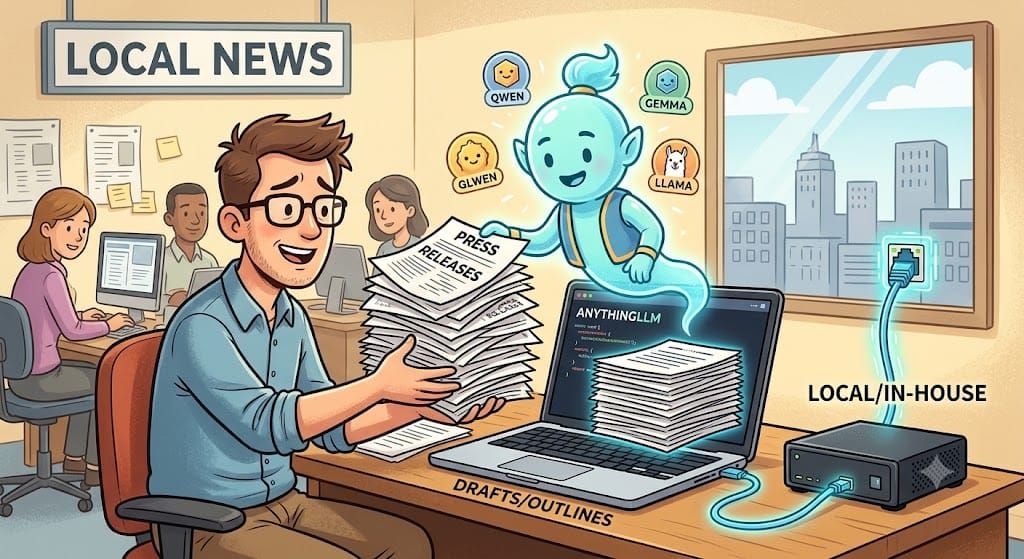
One surprising(maybe) part of that conversation was that the newsroom was running its own AI. They were using it to manage press releases and quickly produce material to work with. Not writing content, but doing a first pass on the material. The idea isn't new and, like the debate around its use, it has its pros and cons.
The benefits - why would you want to do it at all?
- It's a grunt work use of AI. In a newsroom short of hands and time, its like having an intern who'll do some of the work for you.
- A local AI means that all the work is happening in-house. You're not sharing your work online with live AI models. That's great from a legal and ethical point of view.
- Editorial control and oversight are all yours. It’s not shovelware/robot journalism.
The downside - what would stop you?
- The technology. In a newsroom, you may not be blessed with masses of high-quality IT, and everyone tells you AI needs chips and servers and stuff. Even worse, your IT department may have really locked down your machines.
- The cognitive load may just be as heavy as if you were doing it yourself. Does the time benefit of setting up and running really beat an experienced journalist who can scan and rewrite in a few minutes?
- The ethics. Do you really want to replace an intern?
Those factors aside (and I know that's a bit glib), I was intrigued by how that might be working in practice - this isn't a massive newsroom. Obviously, the way to do that is to chat to them, which I will. But my curiosity got the better of me...of course it did. I thought, if someone said to me, "They have an AI, we want one!" How easy would it be for a small newsroom to set up a local AI to do that basic stuff?
I thought I'd blog where that curiosity took me. So, in the first of a series, I wanted to look at the basic setup - how did I get an AI up and running locally?
How do you do AI locally?
We are all familiar with online AI tools - ChatGPT, Gemini, Copilot, etc. But AI sits in massive data centres, doesn't it? How do you squeeze that on a laptop?
The key, it turns out, is the model.
An AI model is a computer programme created by training rather than writing code. It takes masses of material and gradually adjusts billions of internal numbers, known as parameters, until it's good at predicting what comes next. Everything the model knows is compressed in those numbers. So, if you want to run AI on a laptop rather than a data centre, you need a model that squeezes as much out of the limited space and processing power you have. A model trained to do as much as it can with a limited number of parameters so the file fits on your computer.
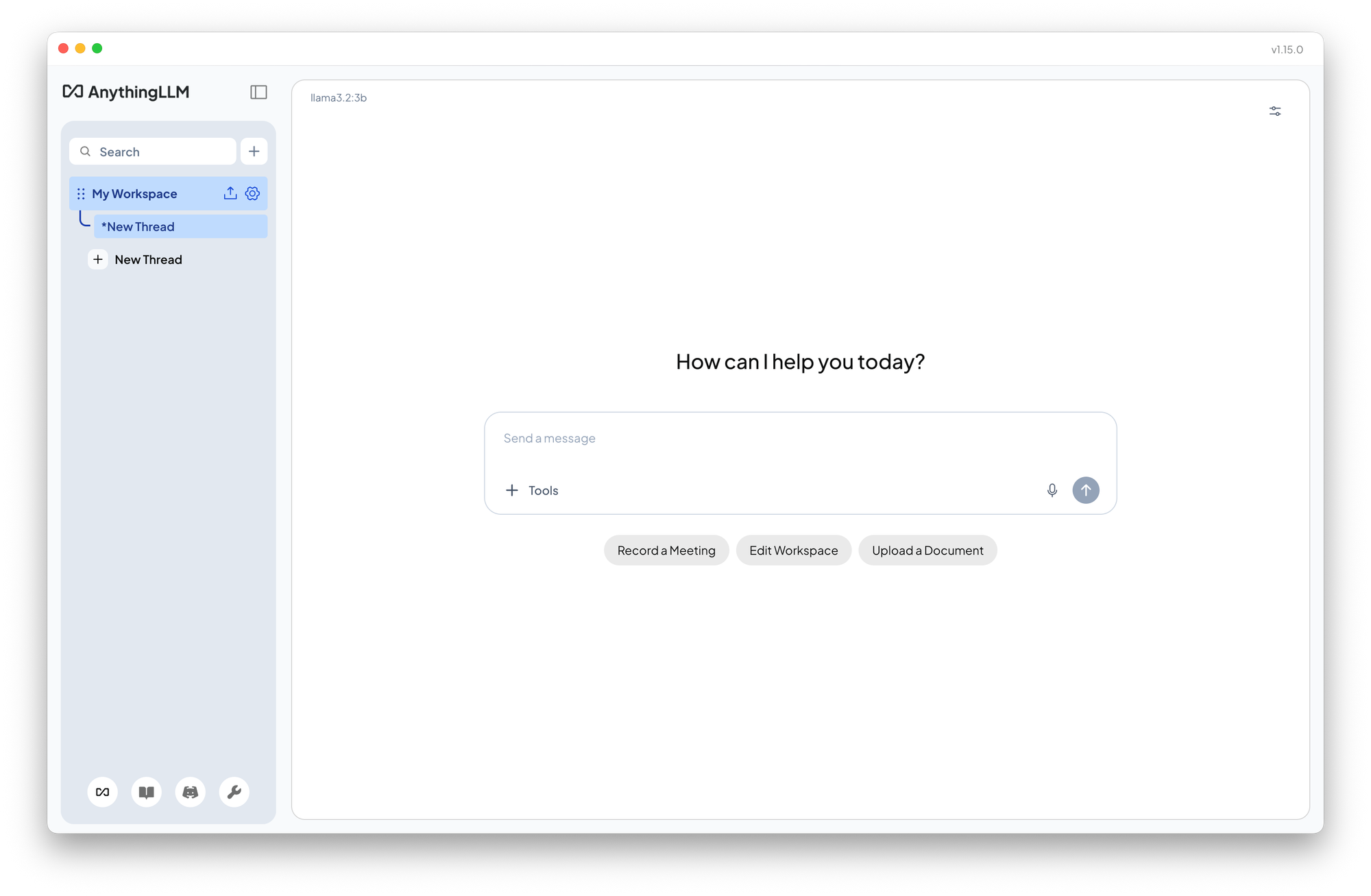
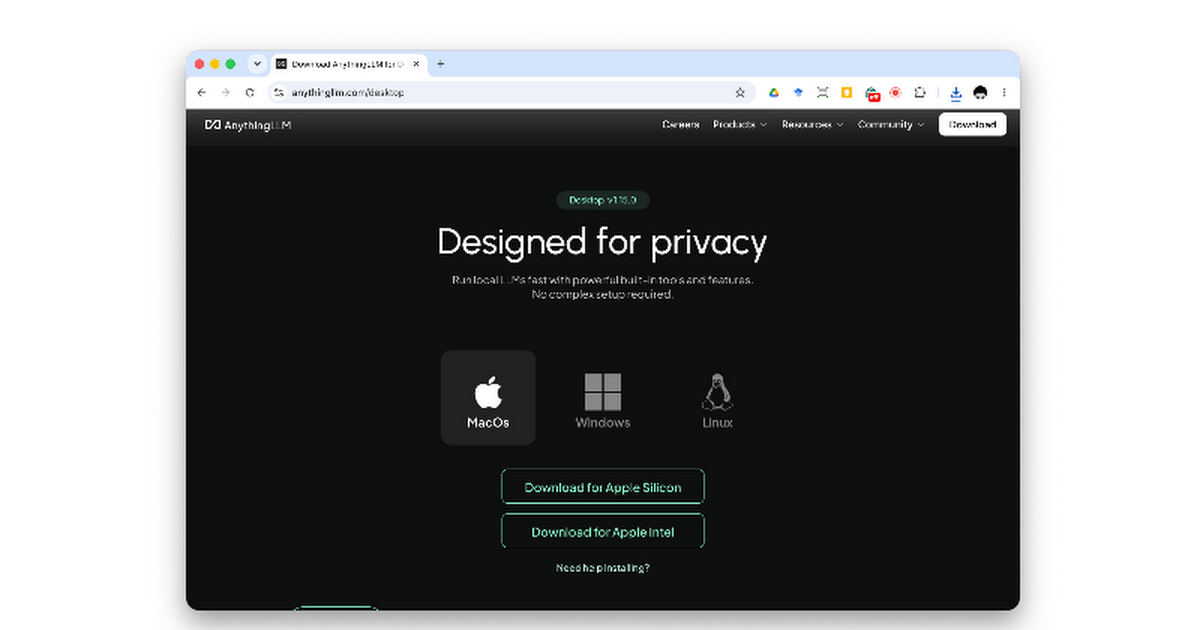
If all of this is starting to sound too technical, don't panic. There are free apps that handle the business of setting up a scaled-down data centre for installing and running models. The one I chose is called AnythingLLM. (The other option here is LM Studio, but this needs admin permissions.)

Is this really AI?
It's worth stopping at this point, because there's an elephant in the room we need to at least pat on the trunk. The title of this post is 'running a local AI, and I've spent a number of paragraphs waffling on about AI. But now we are using an app called Anything LLM, not AnythingAI. Are these different animals? In short, no. ChatGPT, Gemini and Claude are all Large Language Models or LLMs. AI is the marketing term; LLM is techie speak for a subset of AI that chats.
Practically, when we use AI, we are actually talking about three separate elements.
- an LLM - the model itself
- a way of running it on your machine — the gubbins needed to use your machine's processing power
- a way of interacting with the model - the chat bit.
Those first two bits are actually the key here. Models are trained in different ways with different types of data. They have strengths and weaknesses depending on what you want to do with them. They are also processing-heavy, even the small ones. Your computer needs enough memory (RAM) to hold the model, and enough left to actually run it (and everything else). If you've ever done lots of video editing or large page layouts in InDesign, you know what the trade-off is. The more you're asking your computer to do, the more likely the fans are to kick in!
For running local LLMs, a good rule of thumb is that the file size of the model should be around half the RAM you have in your computer.
I'm doing my experiment on my work laptop (don't tell them! But hey, this is the kind of AI they should approve of!) It's a relatively new MacBook Pro with 16GB of memory. Nice, but not cutting edge. So, by the half-RAM rule of thumb, I should be budgeting for a model that comes in at around 8GB max. However, I want to keep a newsroom head on here. No one is buying a new MacBook Pro for kicks. The intern is more likely to get that old, left-behind laptop. That's likely to be an old Windows laptop with 8-12GB of RAM. So, I'm going to budget for a model with a file size of around 4-5GB.
That's where apps like AnythingLLM work well in this case. It sorts the interface parts and handles running the model even on a rusty old newsroom laptop. Download it, install it, and the first thing it asks is the question this whole thing is really about: which model do you want?
Choosing a model -shortlisting the intern
This is really where things get tricky. If, like me, you are barely holding on to the way LLM's work, then getting into the mechanics of why one might be better than another is precarious stuff. So, I decided to come at this like a human problem. We want to use AI like an editorial assistant, so let's approach this like hiring an intern.
As a journalism lecturer, I'm used to newsrooms asking me to recommend people for jobs - JSchool seems like a trusted source. They want one who knows the basics. They need oversight, not babysitting, and maybe I can give them a little value added too with the right applicant. So my shortlisting essentials are that they could do the basic job with an appropriate amount of supervision. The old balancing act of skills and resources. The desirables can come later.
So a couple of the selection criteria to get on the shortlist
- Should be able to handle the basics of writing copy.
- Might be familiar to the newsroom - does it come from a name or organisation they might recognise.
- The file size - remember the 4-5GB file size limit I set for the exercise
- It had to be available straight from the basic AnythingLLM install. I wanted to keep this as 'out of the box as possible. '
Meet the shortlist
After a fair bit of Google (and yes, AI chat!), here's my shortlist for LLM models.
| Model       	| File Size  	| Training   	|
|-------------	|----------	|------------	|
| Qwen3.5 4B  	| 3.4GB 	| Multimodal 	|
| Gemma3 4B   	| 3.3GB 	| Multimodal 	|
| Llama3.2 3B 	| 2.0GB 	| Text only  	|
Qwen is the AI research arm of Alibaba (Yes! The e-commerce/shopping one), and they push out several AI models. The version on the shortlist here was Qwen3.5 4B. The key here is the number of parameters. 4B means the model has 4 billion parameters (remember the numbers it tweaked in training?) It's also a multimodal model, which means it was trained on more than just text, so it can see and hear too - the intern has a bit of multimedia experience under their belt! As a very recent model, it is a reasoning model - it makes notes as it goes and checks back on those notes before it answers. This process of "thinking" (the scare quotes here are really important) makes it more transparent, but it also takes longer to give you an answer and does more checking before it answers.
Gemma comes from Google (Yes! The search one). Based on file size, the version I picked from AnythingLLM was Gemma3 4B. It's got 4Billion parameters just like Qwen, and it's also a multimodal model. But unlike Qwen, as this is an older model of Gemma, it doesn't have a thinking mode. It will describe what it did if you ask, but it's not part of the process. That makes Gemma quicker at dropping a reply.
Llama comes from Meta (Yes! The Facebook one). The version I selected was llama-3.2-3b. The 3B means it has three billion parameters, which is the fewest parameters on paper. But the reason it made the shortlist is the focus: unlike the Qwen and Gemma multimodal models, Llama was trained only using text. The argument for a text-only model is that it makes for more natural prose in the responses back...and in double-quick time. The downside is that, compared to the others, it's an old model. It's from 2024 - a couple of generations in AI terms.
Picking the right one!
In model terms, all three should be qualified for the role. Their size and capabilities place them in the small-to-medium range in the local LLM world. So the choice comes down to the job I need them to do. Do I pick Qwen, the intern who thinks at length and presents you with copious notes before you get any copy? Or the speedier Gemma and the text-only veteran Llama, both quick with the copy, but neither showing their working unless you ask them to?"
In the real world, the next step would be to invite them in for a writing test. So that's what we'll do in part two
If you've found any of this at all helpful, let me know.